
CJP NEWSNew Delhi ·
Disclaimer: The Cockroach Janata Party (CJP) is a satirical youth movement and is not registered with the Election Commission of India (ECI). This article is for informational purposes only and does not constitute legal or electoral advice. Verify facts against primary sources (Indian Express, BBC, The Wire) and use only official links from cockroachjanataparty.io.
Cockroach Janta Party phishing is the single biggest safety risk facing new supporters of the viral CJP movement in 2026, and protecting your phone and bank account starts with understanding how these attacks work. Whether you spell it “Janata” or “Janta”, scammers exploit both spellings to flood WhatsApp and Telegram with fake membership links and malicious app files.
This is a practical, police-backed safety guide. It walks through how the phishing works, the permissions you must never grant, and a simple checklist to keep your OTP, UPI and savings out of a stranger’s hands.
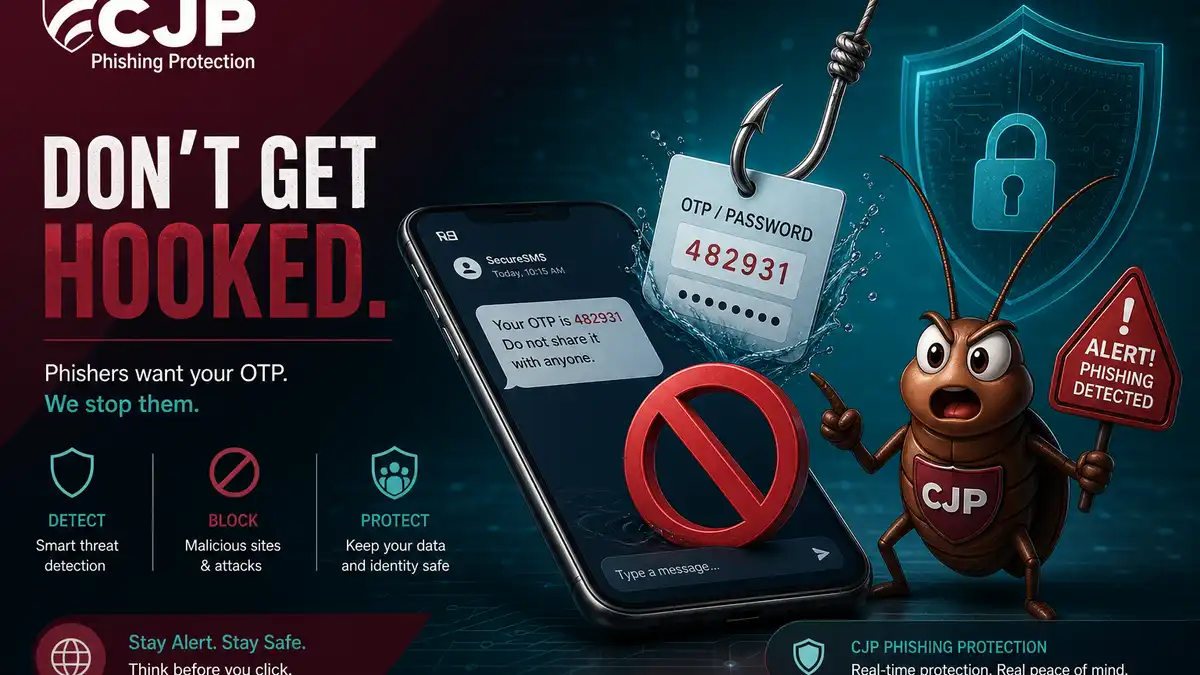
What is Cockroach Janta Party phishing?
Phishing is when criminals impersonate a trusted name to trick you into handing over data or installing malware. Because CJP grew from zero to tens of millions of followers in days, it became an irresistible disguise. Attackers send messages that look like official invitations to “join the Cockroach Janta Party”, but the links lead to cloned pages or Android APK installers built to steal information.
Punjab, Ludhiana and Hisar police have issued advisories about exactly this pattern, and four people were arrested in Bhubaneswar for fraud using the CJP name. The movement itself is free to join — so any “membership” that demands money, OTP or an app download is a red flag.
How the phishing attack actually works
These scams are engineered to feel urgent and official. A typical chain looks like this:
- You receive a forwarded message: “Become a verified CJP member — limited slots, click here.”
- The link opens a fake site or downloads an APK named like a CJP membership app.
- The app requests SMS, accessibility or “default SMS app” permissions.
- Once granted, it silently reads incoming OTPs and forwards them to attackers.
- Your banking and UPI transactions are then approved without your knowledge.
Coverage from the BBC and Times of India has documented how fast CJP scaled; that same speed is why so many people click before thinking. Slowing down is your strongest defence.
Permissions and actions you must never allow
Most phishing attacks fail the moment you refuse the dangerous step. Memorise these “never” rules:
- Never install an APK sent through WhatsApp, Telegram, SMS or email.
- Never share an OTP with anyone, for any reason — no genuine movement needs it.
- Never grant accessibility access to an app you got from a link; it can read your screen and type for you.
- Never give SMS or “default messaging” permission to an unknown app; that is how OTPs get stolen.
- Never pay a “membership fee” — CJP membership is free.
Protect your phone and bank account: a checklist
Use this checklist to harden your device against CJP phishing and similar scams:
- Join only via cockroachjanataparty.io and the official CJP WhatsApp channel.
- Disable “install from unknown sources” in your Android settings.
- Enable two-factor authentication on banking, UPI and email apps.
- Keep your phone OS and security patches up to date.
- Cross-check any suspicious invite against our fake link warning guide.
- Review app permissions monthly and remove anything you do not recognise.
A real-world example of the scam in action
Imagine a college student added to a busy “CJP supporters” WhatsApp group. A message arrives claiming the first 500 members get an official digital ID card, with a link and an attached “CJP_Member.apk” file. Eager not to miss out, the student installs the app and grants the SMS permission it requests. Nothing dramatic appears to happen — there is no member card, just a blank screen — so they forget about it.
Hours later, the app silently reads the OTPs arriving by SMS as attackers attempt transfers from the linked bank account. By the time the student notices, money has already moved. This is why “nothing happened” after installing an unknown app is itself a warning sign: well-built malware is designed to stay invisible. The lesson is simple — the dangerous moment was the install and the permission, not the missing card.
Why CJP supporters are being targeted
Phishing campaigns chase attention, and in 2026 few names command attention like CJP. The movement’s explosive growth created a massive pool of enthusiastic, mostly young members who are accustomed to joining things through links shared in chats. That combination — high trust, high excitement, mobile-first behaviour and bank apps on the same device — is exactly what fraudsters look for.
Understanding that you are a target by virtue of being in the audience, not because you did anything wrong, helps you stay sceptical without feeling paranoid. The official movement is free and public; it has no need to slide a payment link or APK into your DMs.
How to report Cockroach Janta Party phishing
If you receive or fall for a phishing attempt, reporting it protects you and others:
- Call the National Cyber Helpline 1930 as soon as possible.
- File a complaint at cybercrime.gov.in with screenshots and the suspicious link.
- Inform your bank immediately to freeze or reverse fraudulent transactions.
- Report and block the sender, and warn your WhatsApp or Telegram group.
CJP is a satirical movement and is not registered with the Election Commission of India. It does not run paid memberships or send APK files — so treat anything that does as phishing and report it.
Related hub: CJP Scam Alert Hub · Scam Alert · Join CJP · Manifesto · Social Media
Frequently Asked Questions
How does Cockroach Janta Party phishing work?
Scammers send a link or APK disguised as CJP membership; tapping it can compromise your phone and banking apps.
What permissions should I never grant?
Never install APKs from links, never share OTP, and never grant accessibility or SMS permissions to unknown apps.
Where do I report CJP phishing?
Report to the National Cyber Helpline 1930 and cybercrime.gov.in.
Disclaimer: The views and opinions expressed in this article are those of the author and do not necessarily reflect the official position of any political party or organisation. Readers are encouraged to independently verify all claims. Read our full Disclaimer · Terms & Conditions · Privacy Policy
